

Guest Review
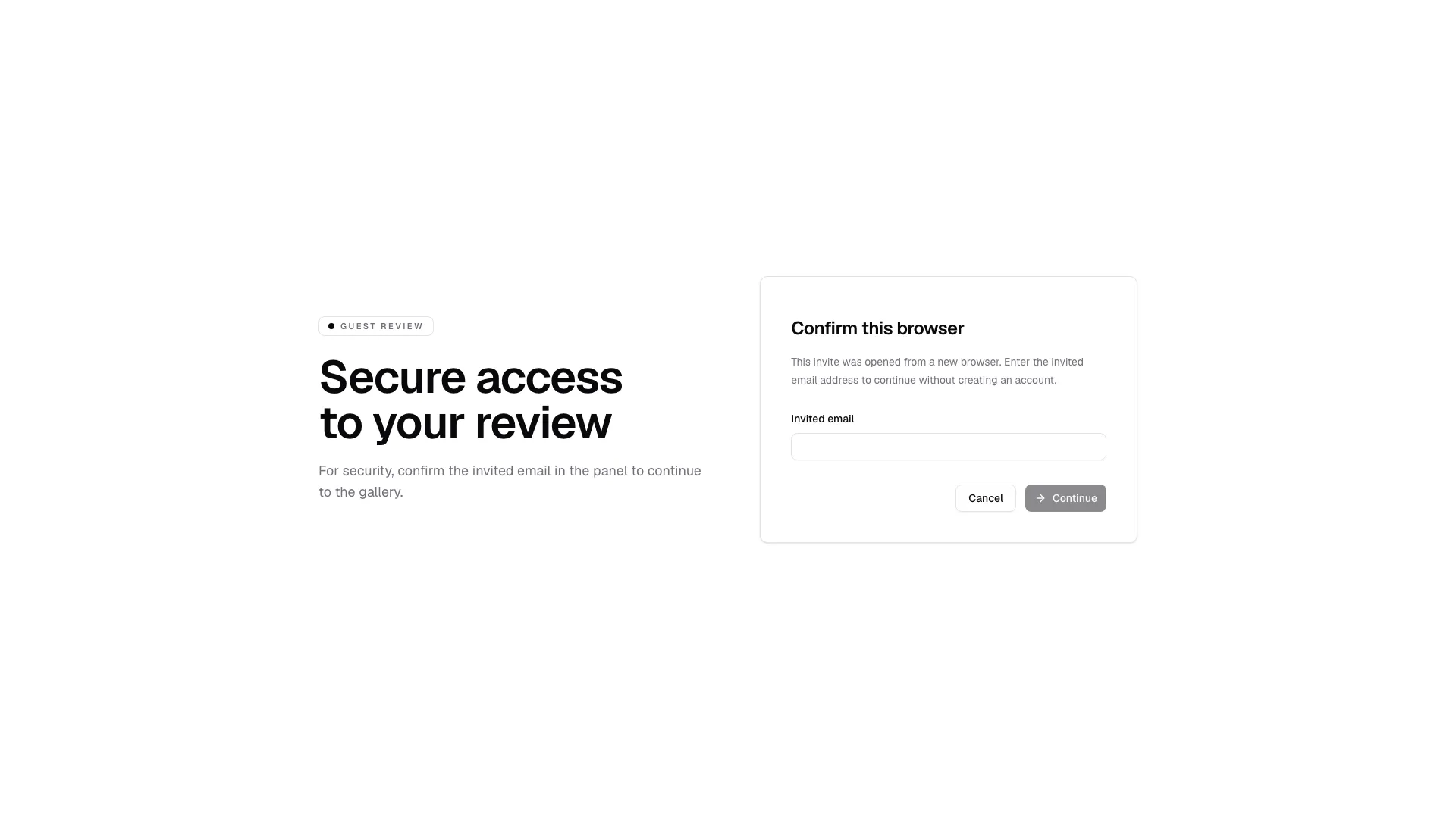
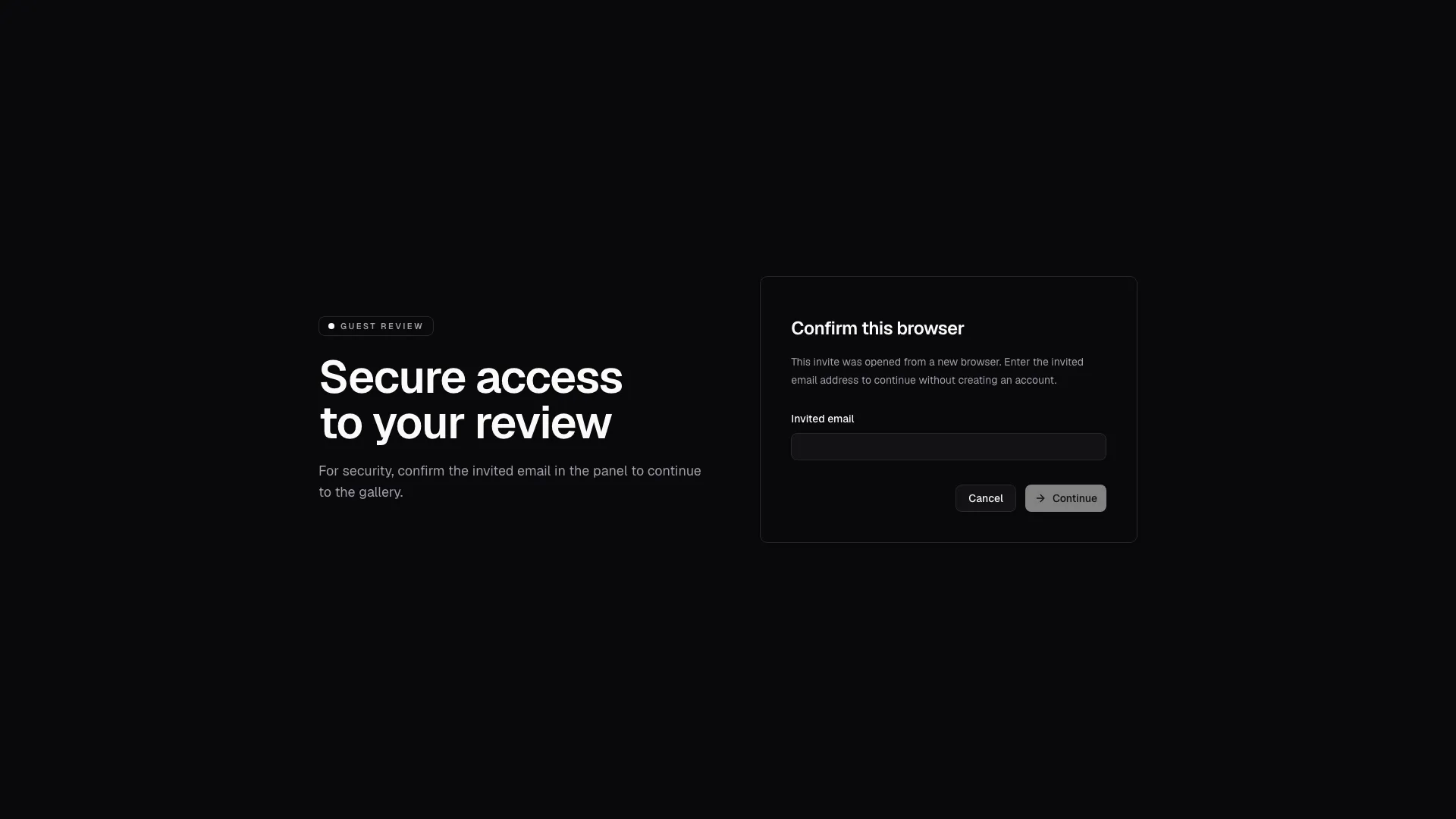
Guest review is the lightweight entry flow used when a studio wants to show you a gallery without asking for a full account right away. In some cases the link opens directly; in others, the studio asks for a quick verification with the same email used for the invite.
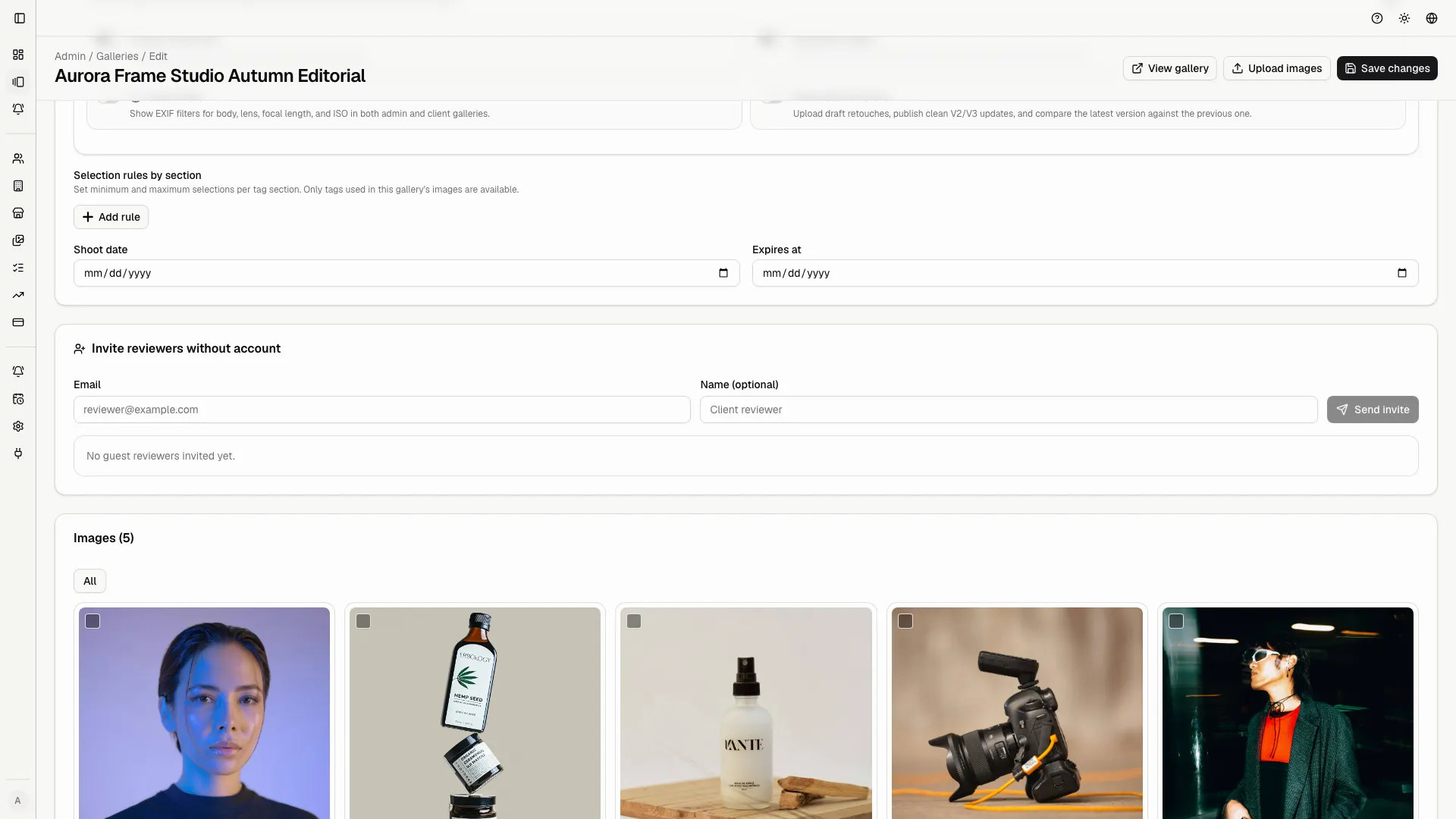
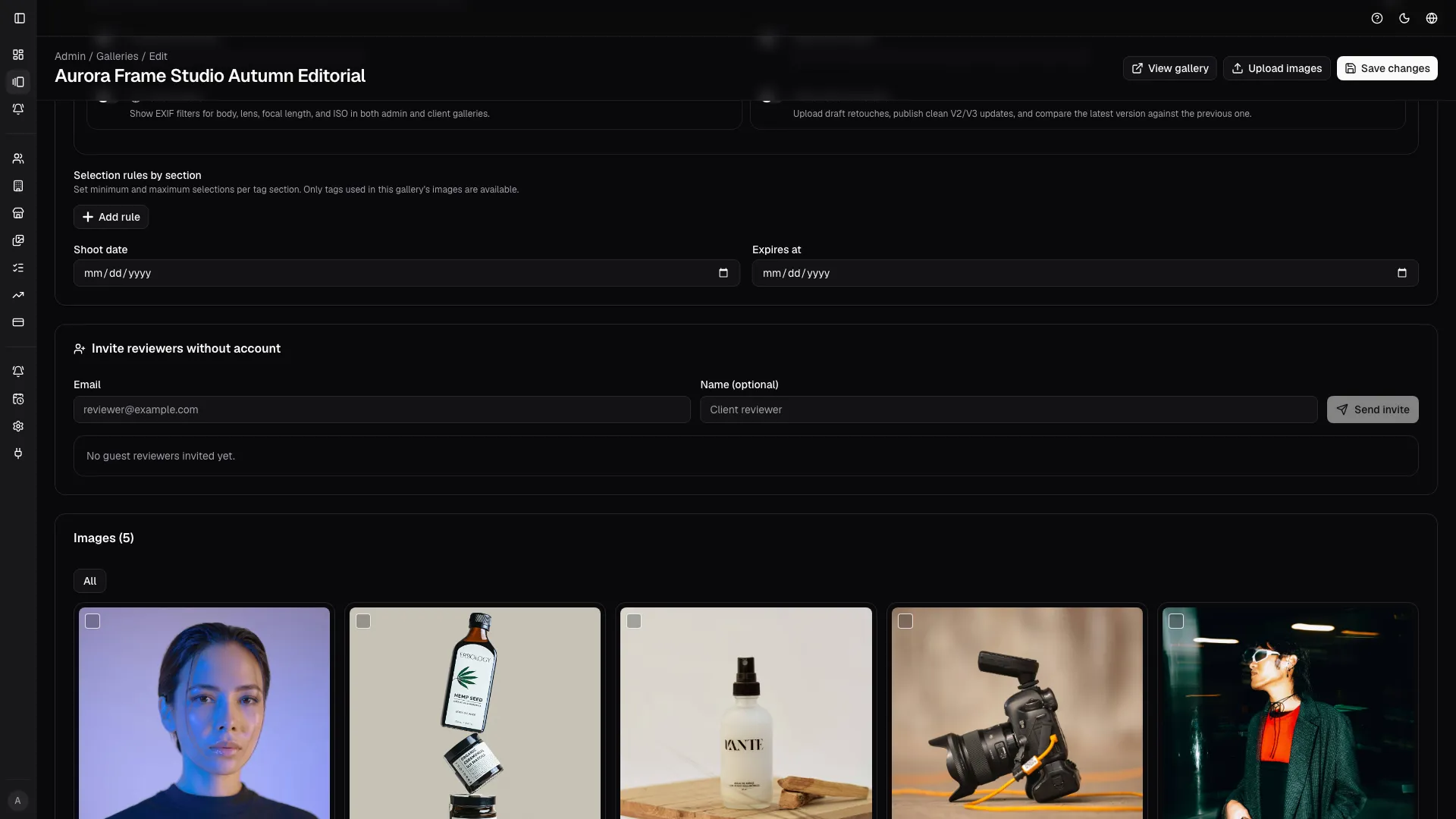
The invite is sent from the gallery edit page, where the studio can add guest reviewers by email, copy the latest magic link, and revoke access when needed.
How studios invite guest reviewers
Section titled “How studios invite guest reviewers”From Admin -> Galleries -> Edit gallery, the studio can use the guest reviewer panel to:
- add one or more guest reviewers with email and optional name;
- send an invite and generate a unique magic link;
- copy the latest generated link for that invite;
- revoke access for an invite that should no longer work;
- check whether a guest already accessed the gallery.
If you receive a new invite for the same gallery, use the latest link. Older links may have been revoked.
How the flow works
Section titled “How the flow works”- Open the link you received from the studio.
- If prompted, confirm the email address used for the invitation.
- Enter the gallery and continue the review as instructed by the studio.
- If the link fails, read the on-screen message and contact the studio.
What you may see
Section titled “What you may see”- Verification required: you need to type the invited email before entering.
- Revoked link: the studio closed access and you need a new invite.
- Gallery unavailable: the gallery is not ready or is no longer public.
- Invalid or expired link: open the latest invite again or ask for help.
- Unsubscribed: you asked to stop review emails for this invite.
- Fallback error: the invite token cannot be resolved and support is needed.
If you do not receive email updates
Section titled “If you do not receive email updates”Even if email notifications are off, you can still access the gallery when the link is valid. Email only affects updates, not access.
Good habits
Section titled “Good habits”- Use the email that received the invite.
- Do not forward a private link to other people.
- If the studio asks for verification, complete it without switching accounts.
- If you see an error, ask for a new invite or for the link to be reopened.
Error states and support
Section titled “Error states and support”Guest review includes a few different public states so the studio can explain what happened without sending people into a dead end:
- the verification challenge when an email needs to be confirmed;
- the revoked or expired link state when the invite is no longer valid;
- the unsubscribed confirmation when notification delivery is disabled;
- the fallback error page when the token cannot be resolved.
When in doubt, the safest action is to ask the studio to resend the invitation or confirm that the invite is still active.