

Brand Settings
Brand settings define how the studio appears to clients across the application and all client-facing pages.
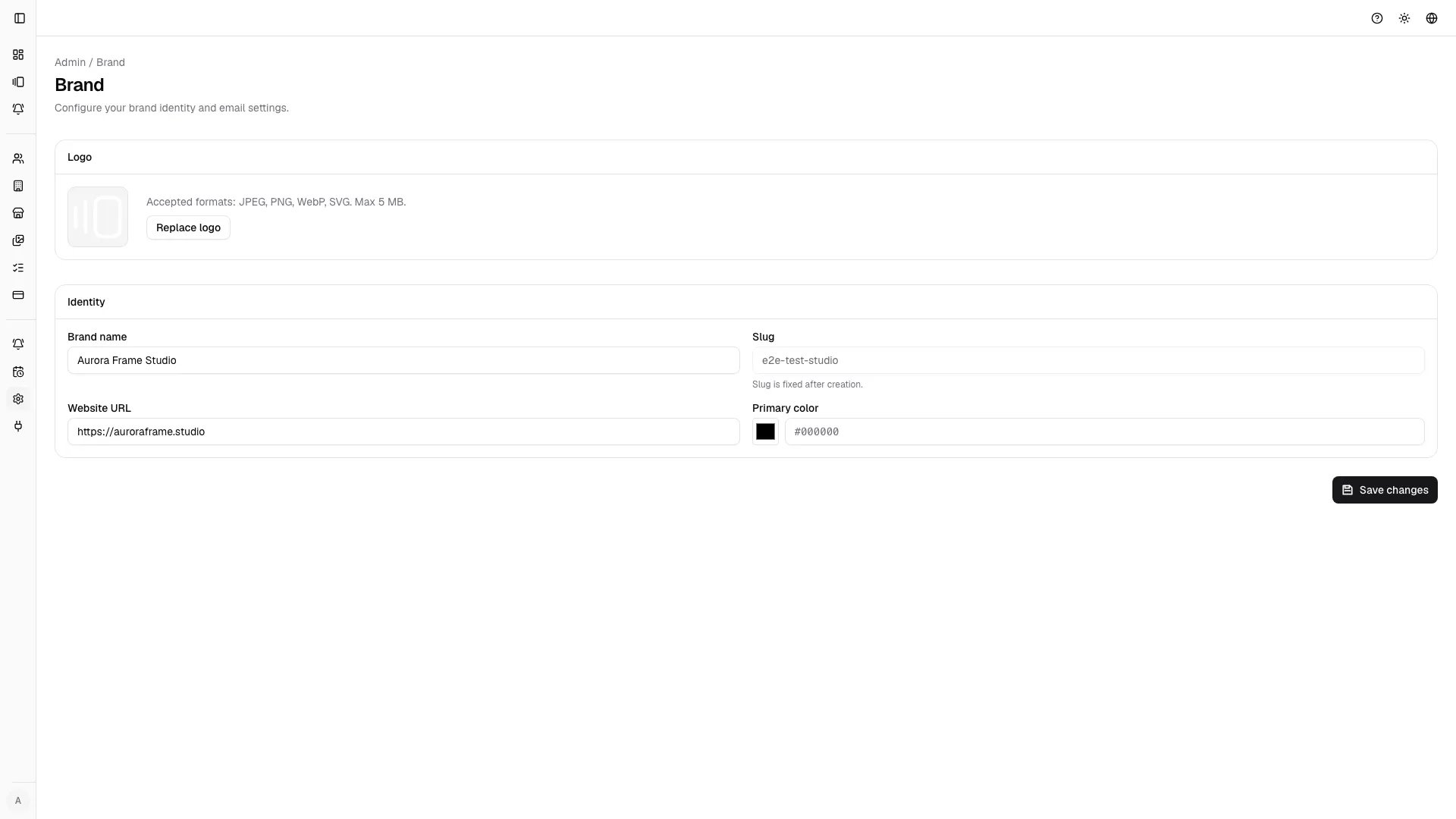
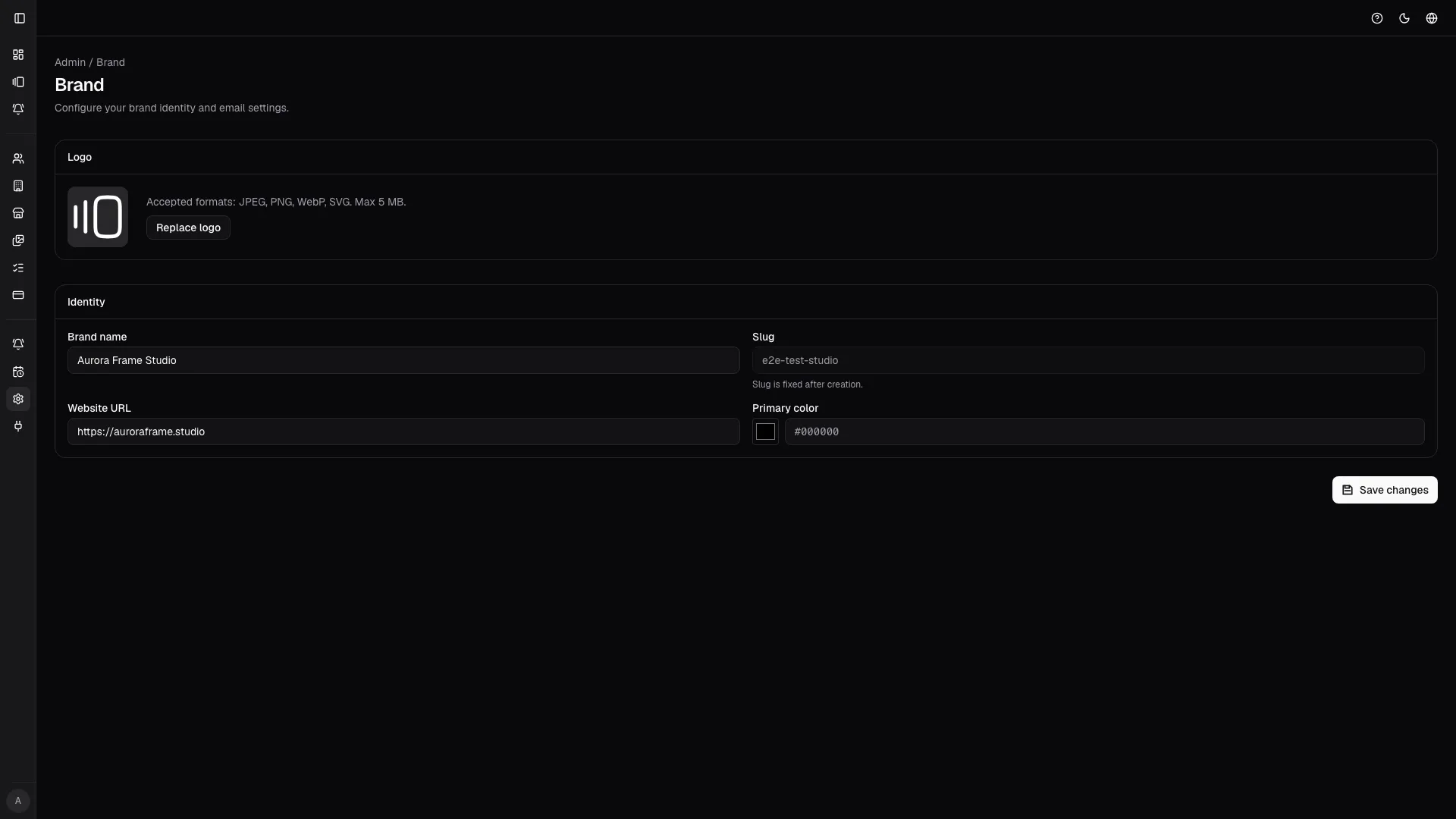
Main fields
Section titled “Main fields”- studio name: appears in navigation, emails, and gallery headers;
- studio slug: used in public gallery URLs (e.g.,
yourslug.photoproofing.app); - primary color: applied to buttons, links, and accent elements throughout the app;
- website URL: linked from client pages and gallery footers;
- uploaded logo: displays in headers and branded documents.
Custom domains (Pro plan only)
Section titled “Custom domains (Pro plan only)”Pro users can configure custom domains instead of relying on the default photoproofing.app subdomain. This allows galleries and all client-facing pages to appear under your own domain, reinforcing brand consistency.
Setting up a custom domain
Section titled “Setting up a custom domain”- ensure your domain is registered and you control its DNS;
- navigate to Brand Settings and enter your custom domain;
- add the provided DNS record to your domain’s DNS provider;
- verify the domain once DNS propagates.
Once verified, all client galleries automatically serve from your custom domain.
Additional brand customizations
Section titled “Additional brand customizations”Depending on your plan, you can customize:
- Gallery appearance: adjust layout, grid density, and review mode styling;
- Email branding: embed studio logo and colors in client notifications;
- Gallery footer: customize messaging and links in review pages;
- Font selection: choose between system and custom font stacks for consistency.
See individual feature guides for plan-specific options.