

Notifications Inbox
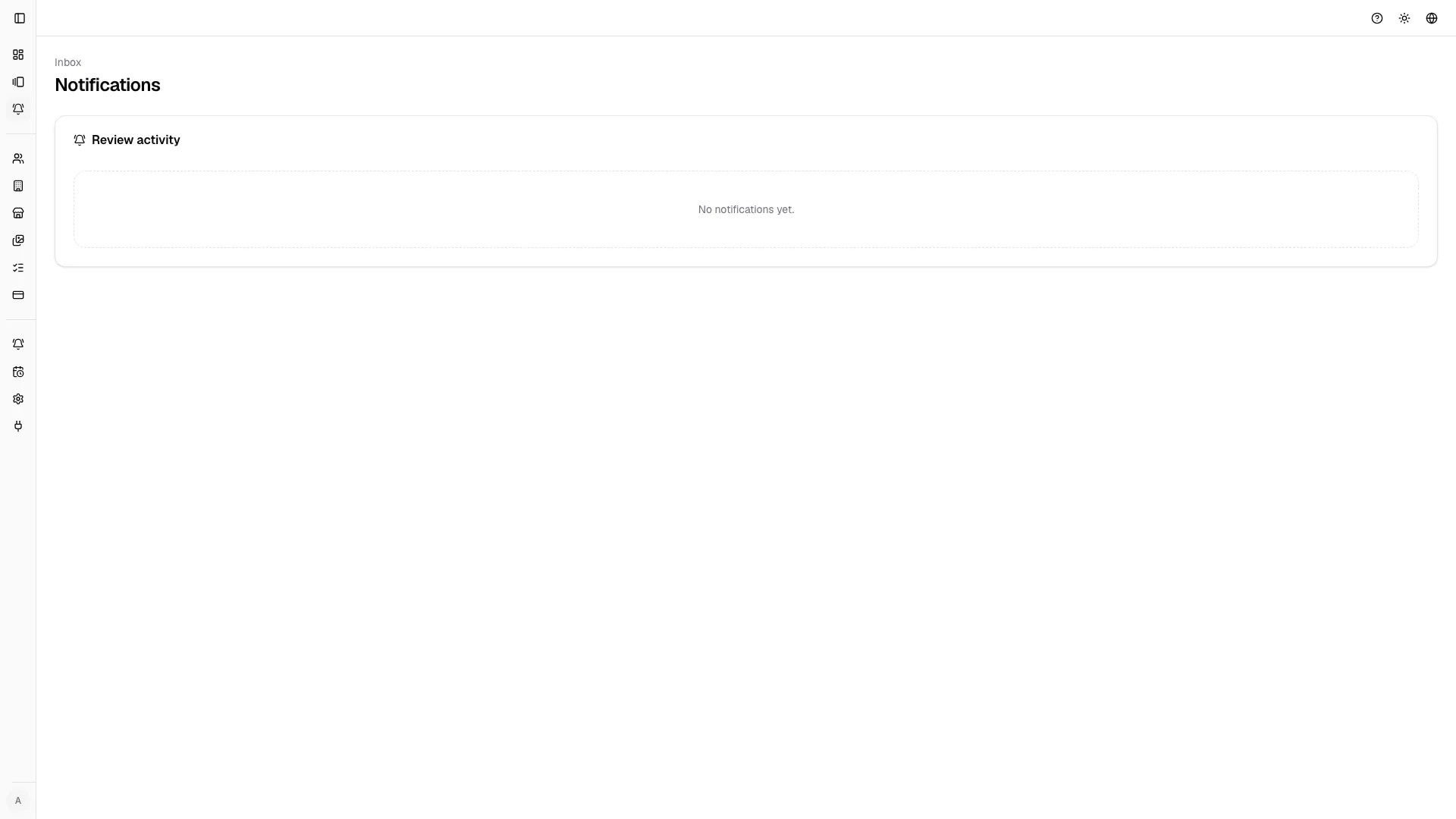
The inbox collects review-related activity that needs attention.
What appears in the inbox
Section titled “What appears in the inbox”- thread replies;
- workflow status updates;
- client review feedback;
- unread/read state and event counts;
- direct links back to the related gallery.
Good practice
Section titled “Good practice”- mark items as read only after taking ownership;
- open gallery links directly from the inbox to avoid context switching;
- keep the queue clean before delivery phases.