Skip to content

Vendors

Vendor pages are where studios maintain partner records and control public vendor shares.
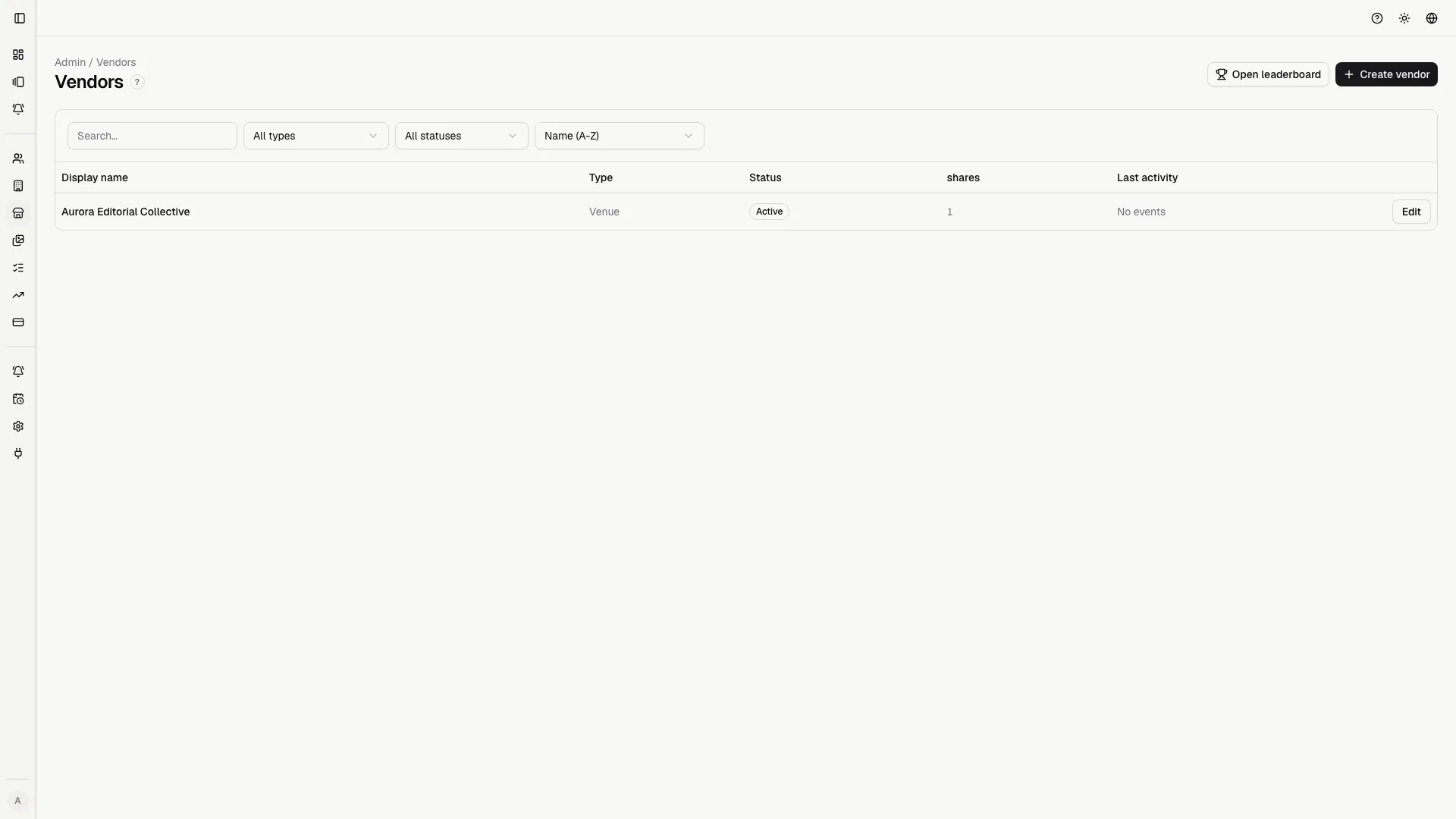
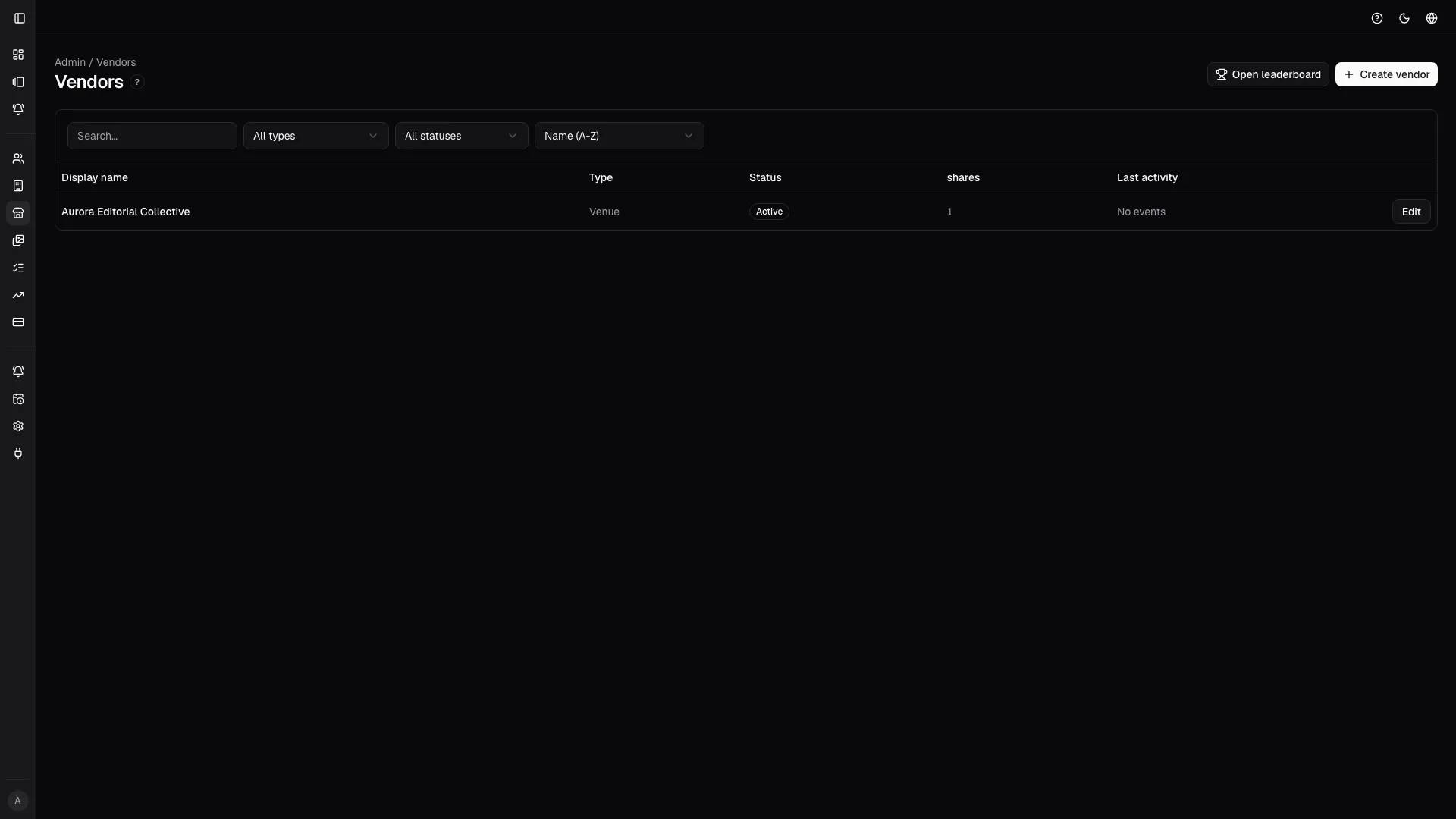
The vendor directory keeps partner records, status, and entry points to sharing actions in one operational page. The vendor directory keeps partner records, status, and entry points to sharing actions in one operational page.
The vendor directory keeps partner records, status, and entry points to sharing actions in one operational page.
  • search and filter vendors;
  • open vendor details;
  • create or edit vendor records;
  • configure referral URLs;
  • review active/inactive state;
  • jump to engagement insights.

Open vendor detail to manage:

  • share links;
  • expiry and renewal;
  • revocation actions;
  • watermark behavior;
  • referral tracking context.
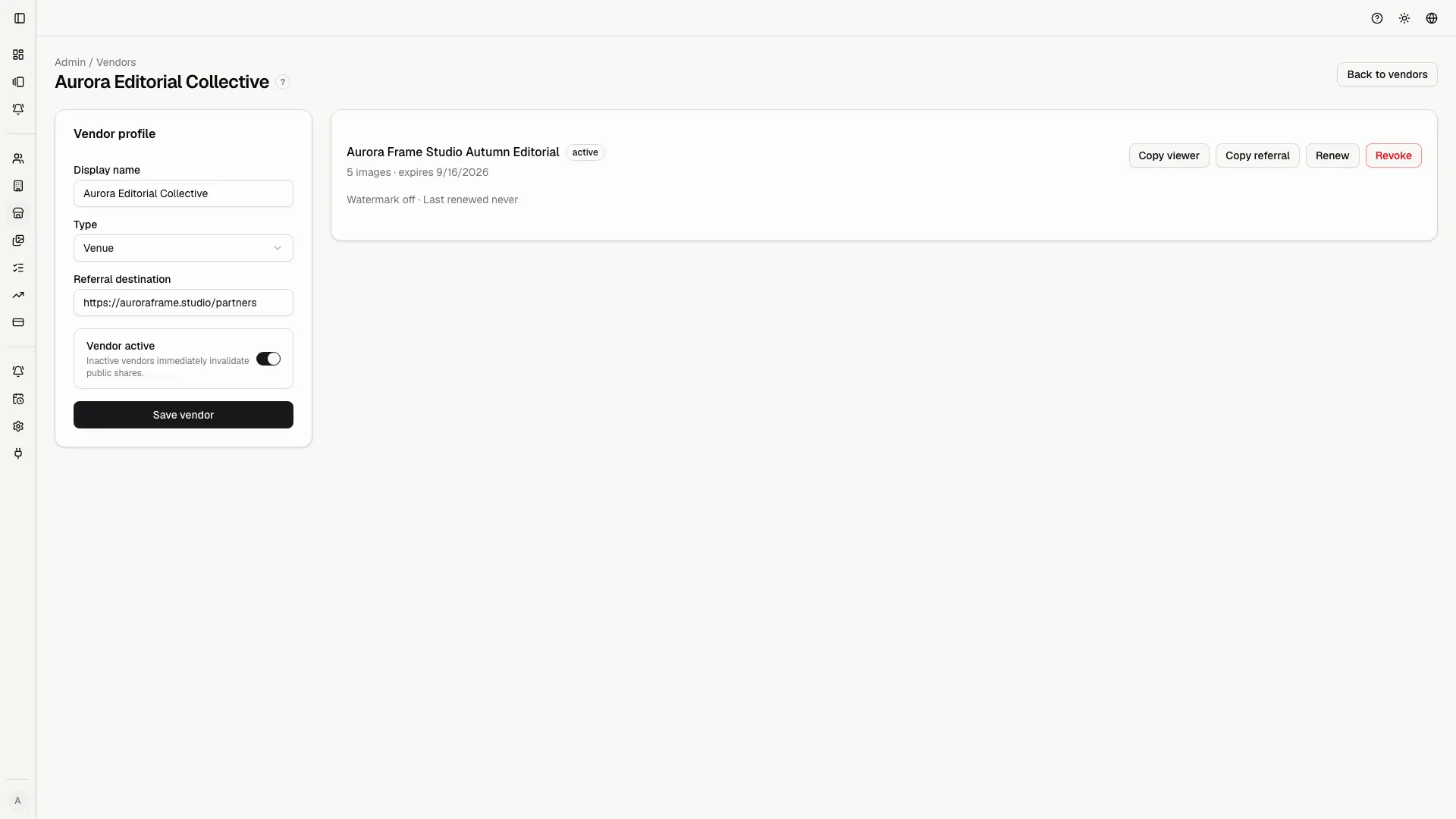
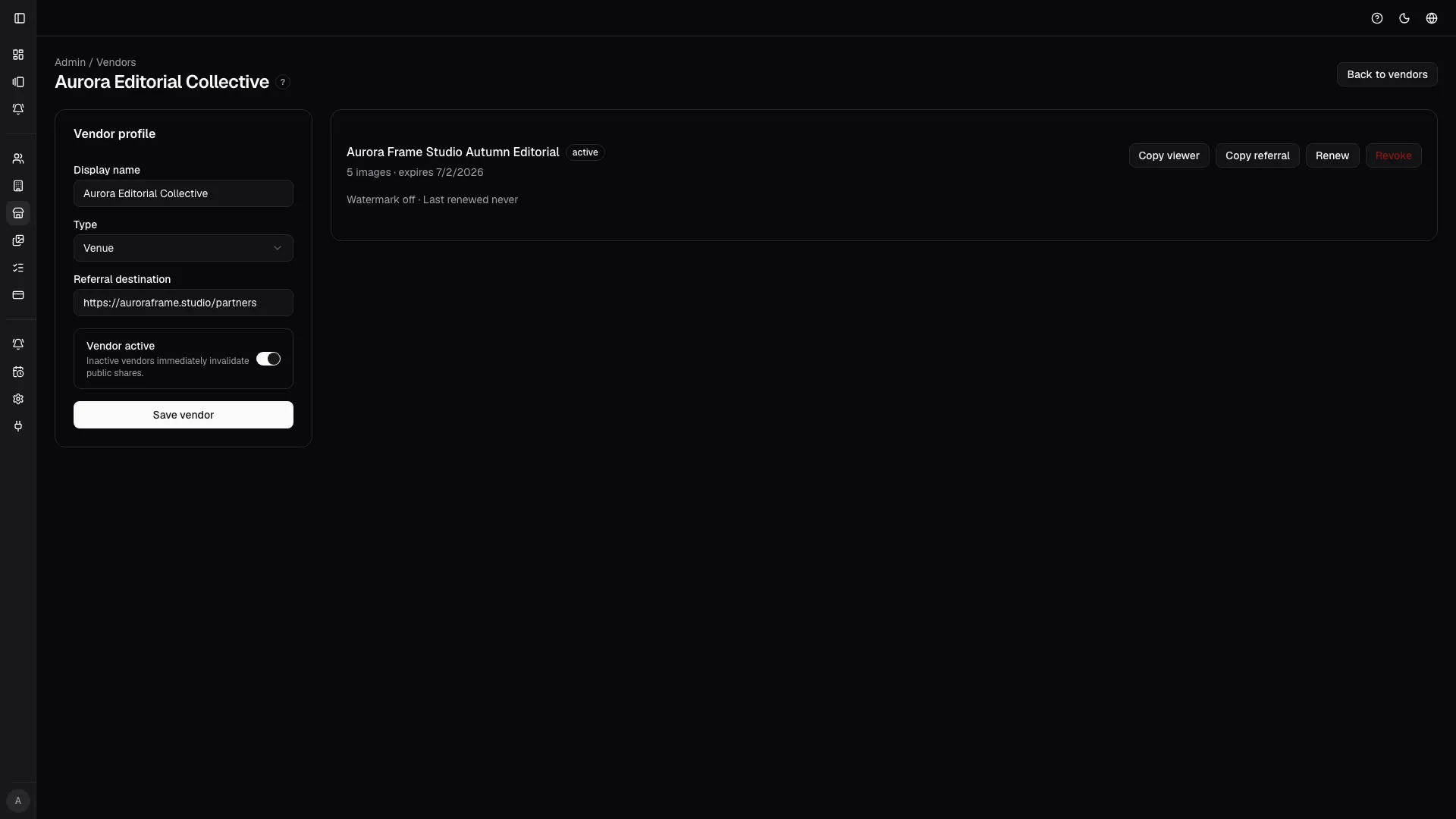
Vendor detail centralizes referral links, status, and lifecycle actions for each partner. Vendor detail centralizes referral links, status, and lifecycle actions for each partner.
Vendor detail centralizes referral links, status, and lifecycle actions for each partner.

From a gallery, open Settings -> Vendor sharing to control which images are visible to each selected vendor.


The side panel lets the studio pick vendors, choose image scope, manage watermark behavior, and refresh or revoke active shares. The side panel lets the studio pick vendors, choose image scope, manage watermark behavior, and refresh or revoke active shares.
The side panel lets the studio pick vendors, choose image scope, manage watermark behavior, and refresh or revoke active shares.