

Tasks
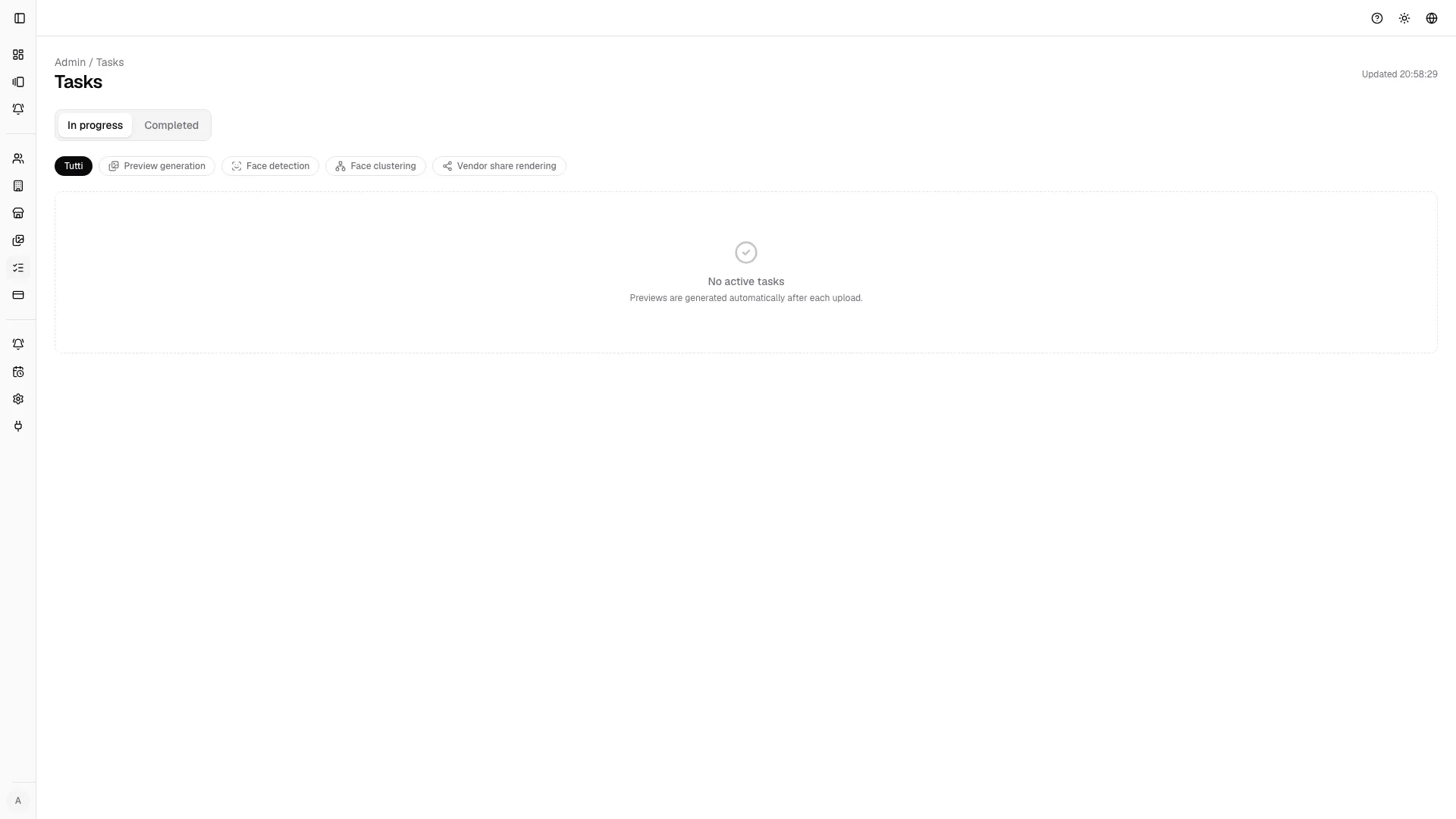
The tasks page is the background job center for gallery processing.

Job types
Section titled “Job types”- Preview generation creates the optimized preview images shown in gallery grids and lightboxes after upload.
- Face detection scans images to identify potential faces for downstream search and tagging workflows.
- Face clustering groups detected faces into likely people clusters so teams can review and confirm identities faster.
- Vendor share rendering prepares the image set and access data used by vendor share links and refresh cycles.
Available actions
Section titled “Available actions”- filter by job type and state;
- monitor active and completed jobs;
- use auto-refresh while uploads are processing;
- retry failed jobs;
- pause, resume, or cancel jobs when supported.
Typical troubleshooting flow
Section titled “Typical troubleshooting flow”- Open the gallery and confirm missing or outdated assets.
- Open tasks and filter by gallery-related job type.
- Check failures first, then retry or relaunch the job.
- Return to the gallery after job completion and verify results.