

Reminder Settings
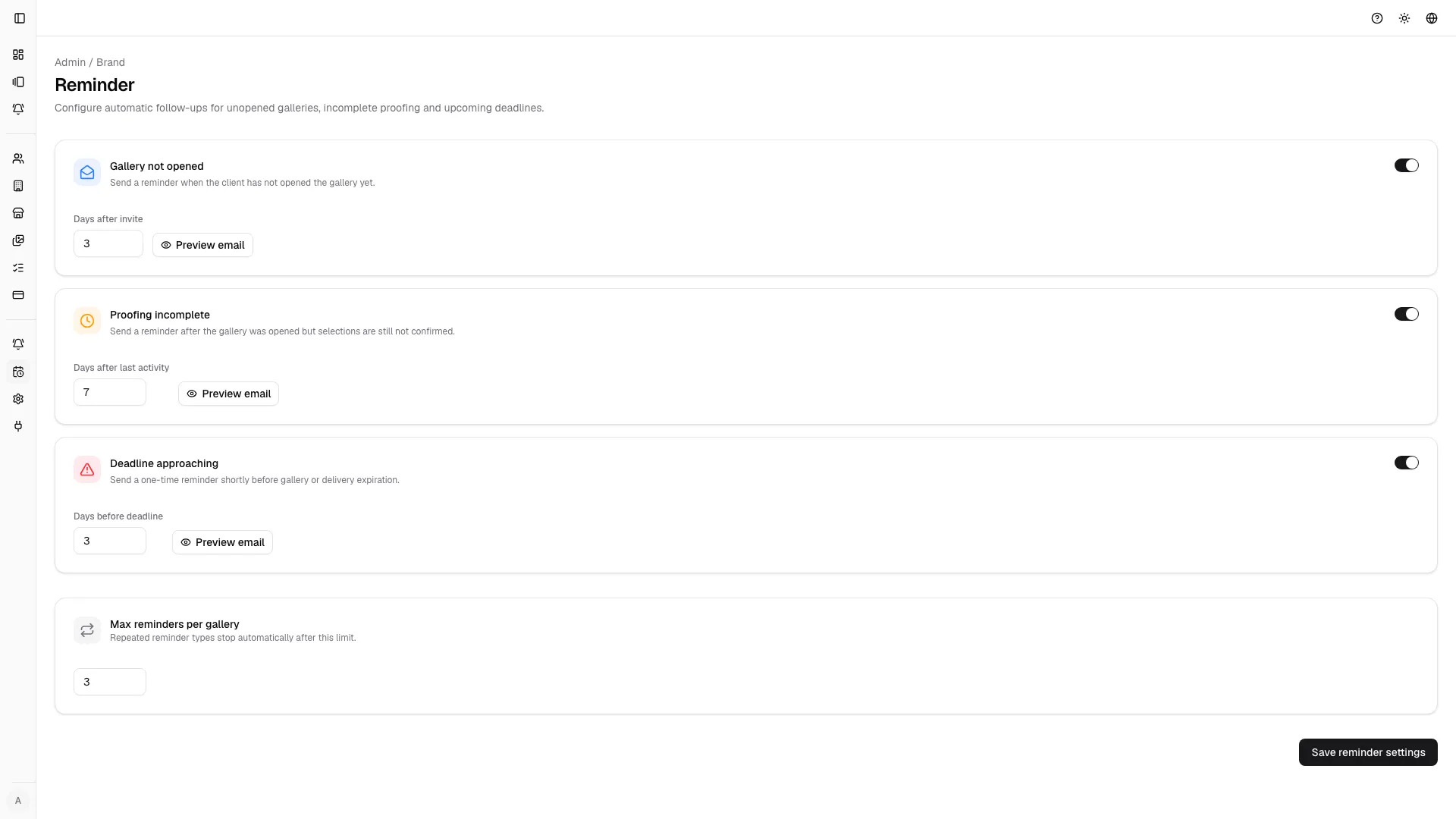
Reminder settings help move work forward without manual follow-up.
Reminder types
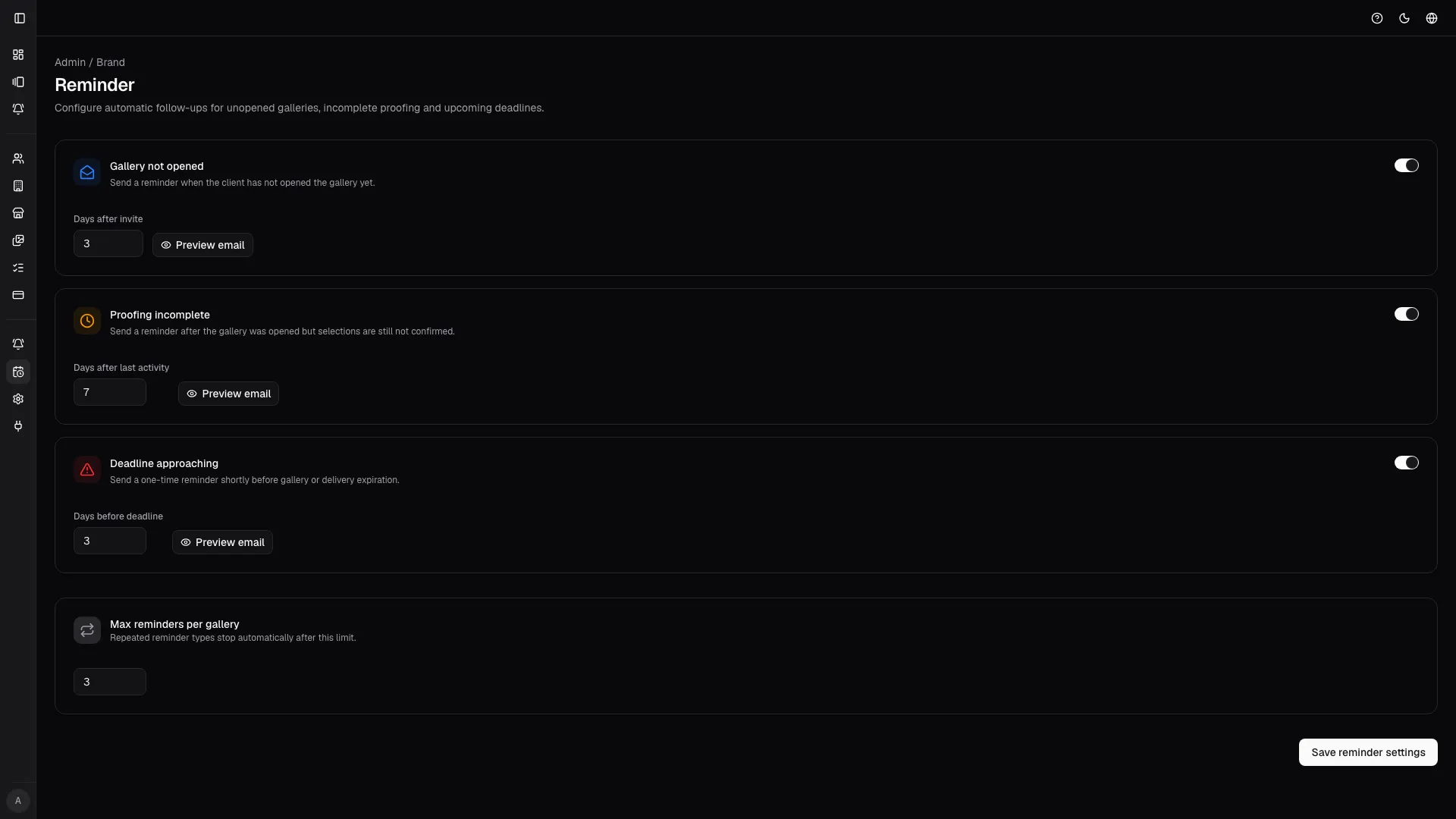
Section titled “Reminder types”- Gallery unopened reminds invited people who have not accessed the gallery yet after the initial send.
- Proofing incomplete nudges reviewers who opened the gallery but have not finished selections or review actions.
- Deadline approaching warns stakeholders shortly before the gallery deadline to reduce late delivery risk.
Good practice
Section titled “Good practice”- use a short delay after invites before first reminders;
- preview reminder emails before saving changes;
- tune reminder timing by job complexity and client behavior.
Recommended sequence
Section titled “Recommended sequence”- Set a short grace period after the initial invite.
- Schedule one reminder for unopened galleries.
- Add proofing-incomplete follow-up for active but unfinished reviewers.
- Keep the deadline reminder close enough to trigger action, but not so late that delivery becomes risky.