

Vendors And Slideshows
Vendor sharing lets a studio expose a controlled subset of images outside the core client workflow. Slideshows create polished viewing links for presentation and review.
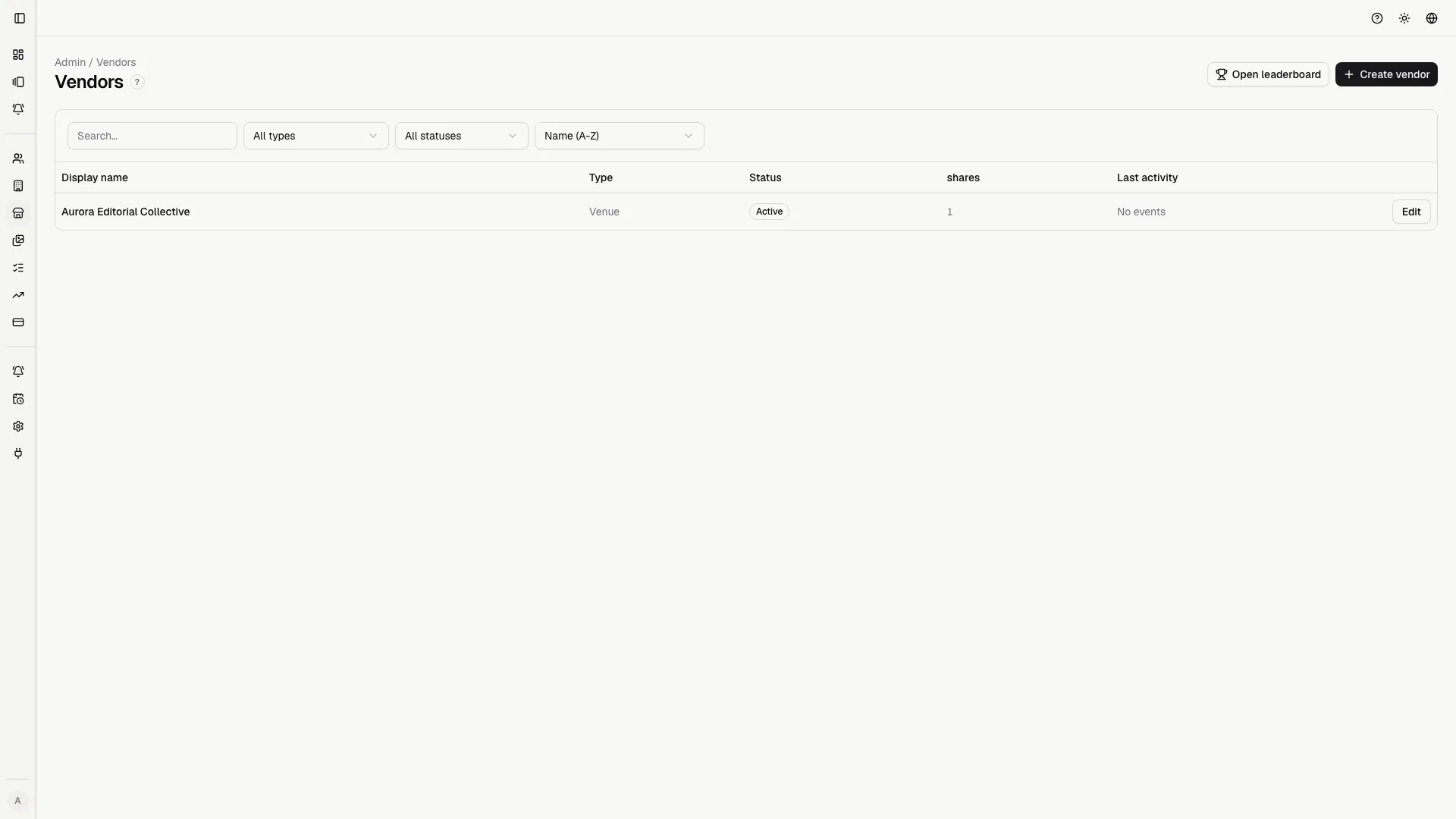
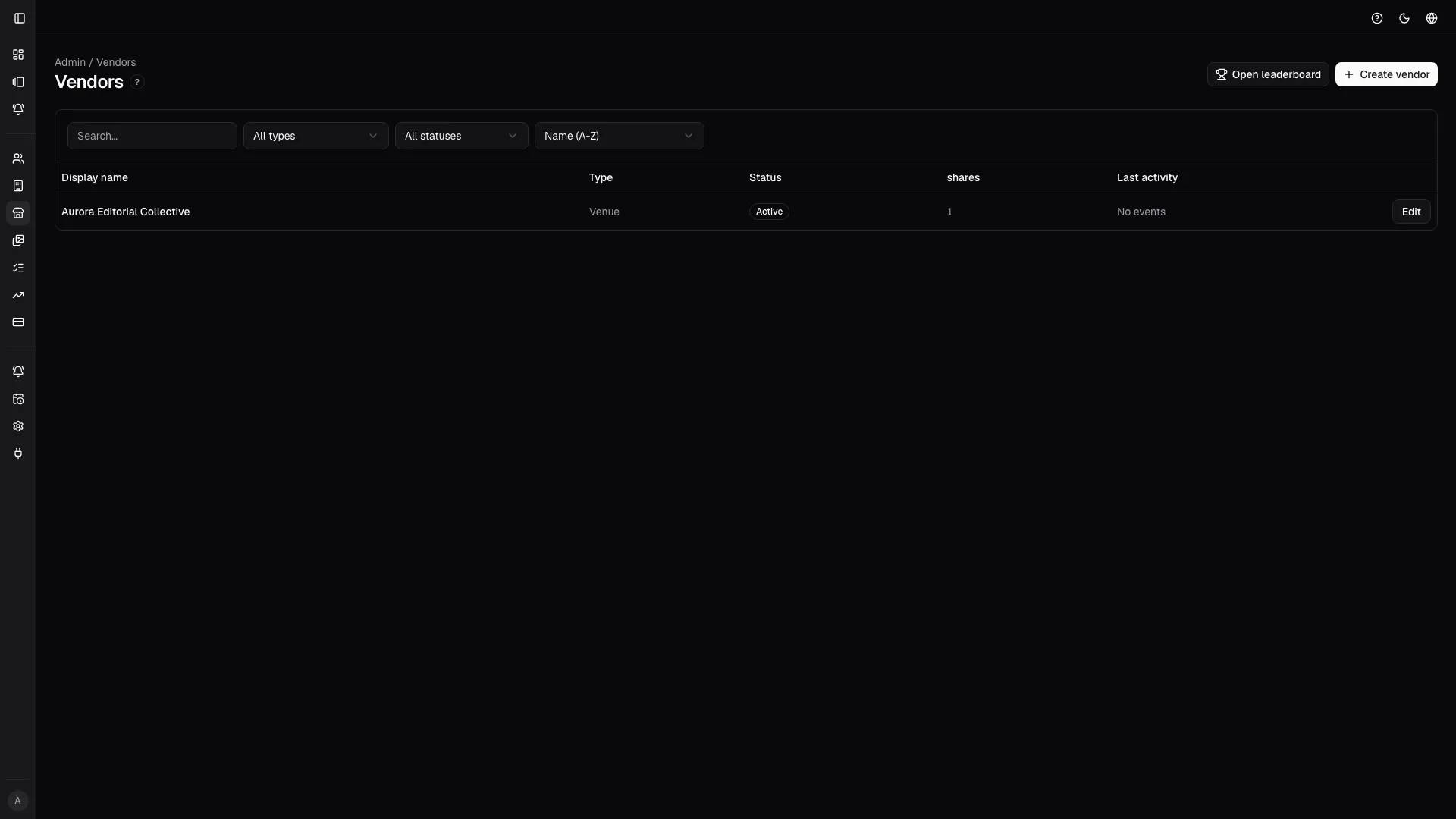
Vendor directory
Section titled “Vendor directory”Use the directory to keep external partners organized: venue, wedding planner, florist, makeup artist, or other collaborators.
You can:
- search vendors by name;
- filter by type;
- filter by active or inactive state;
- sort the list;
- create a new vendor;
- open the detail page;
- jump to the leaderboard.
Creating a vendor
Section titled “Creating a vendor”When you create a vendor, fill in:
- Display name: a clear name for the partner;
- Type: the vendor category;
- Referral URL: the tracked destination, if the vendor has a site or landing page;
- Active: disable vendors that should no longer receive shares.
Use recognizable names. “Villa Aurora - Venue” is better than just “Aurora”.
Vendor detail
Section titled “Vendor detail”The detail page is the audit trail for the relationship with that vendor.
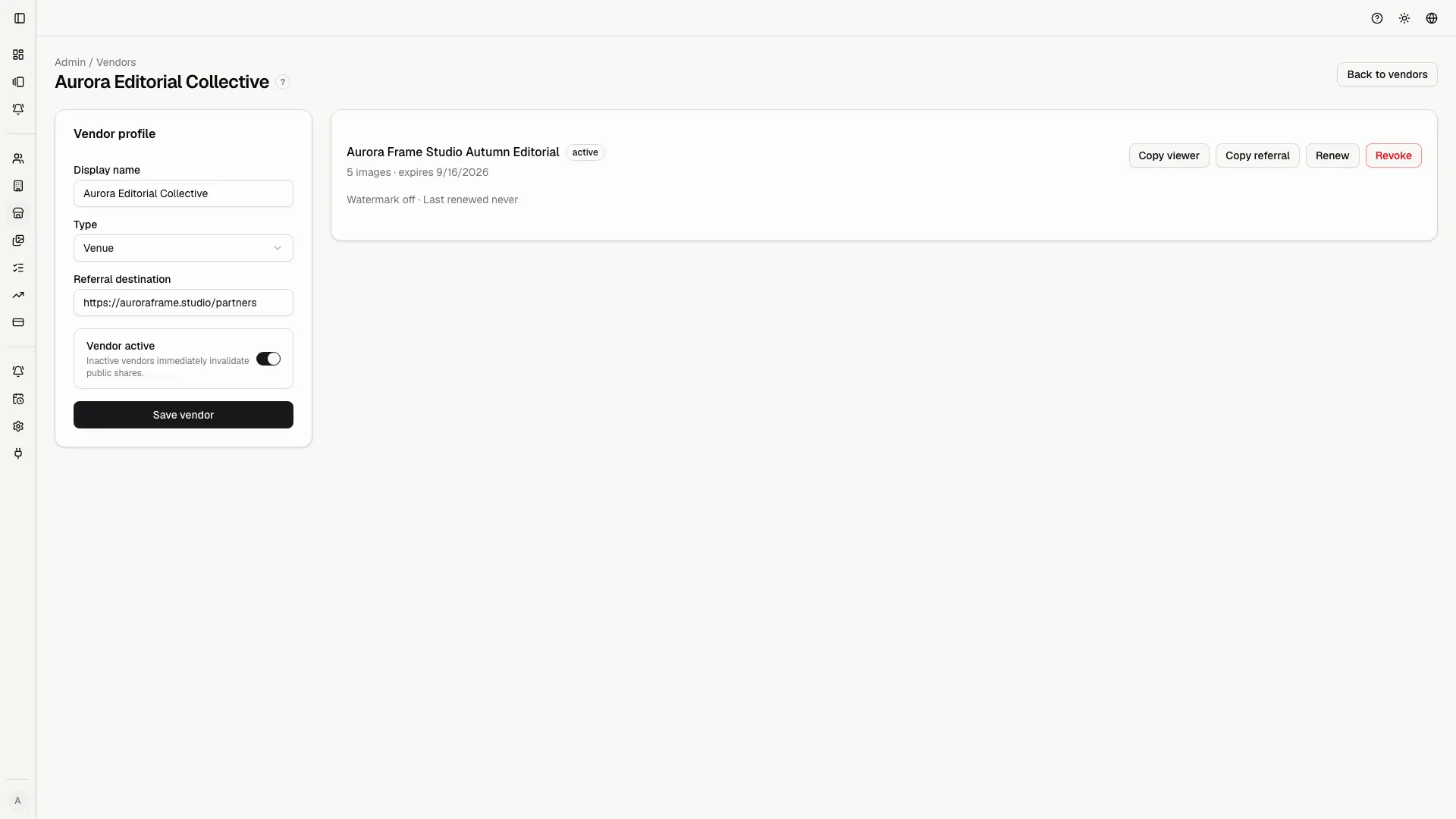
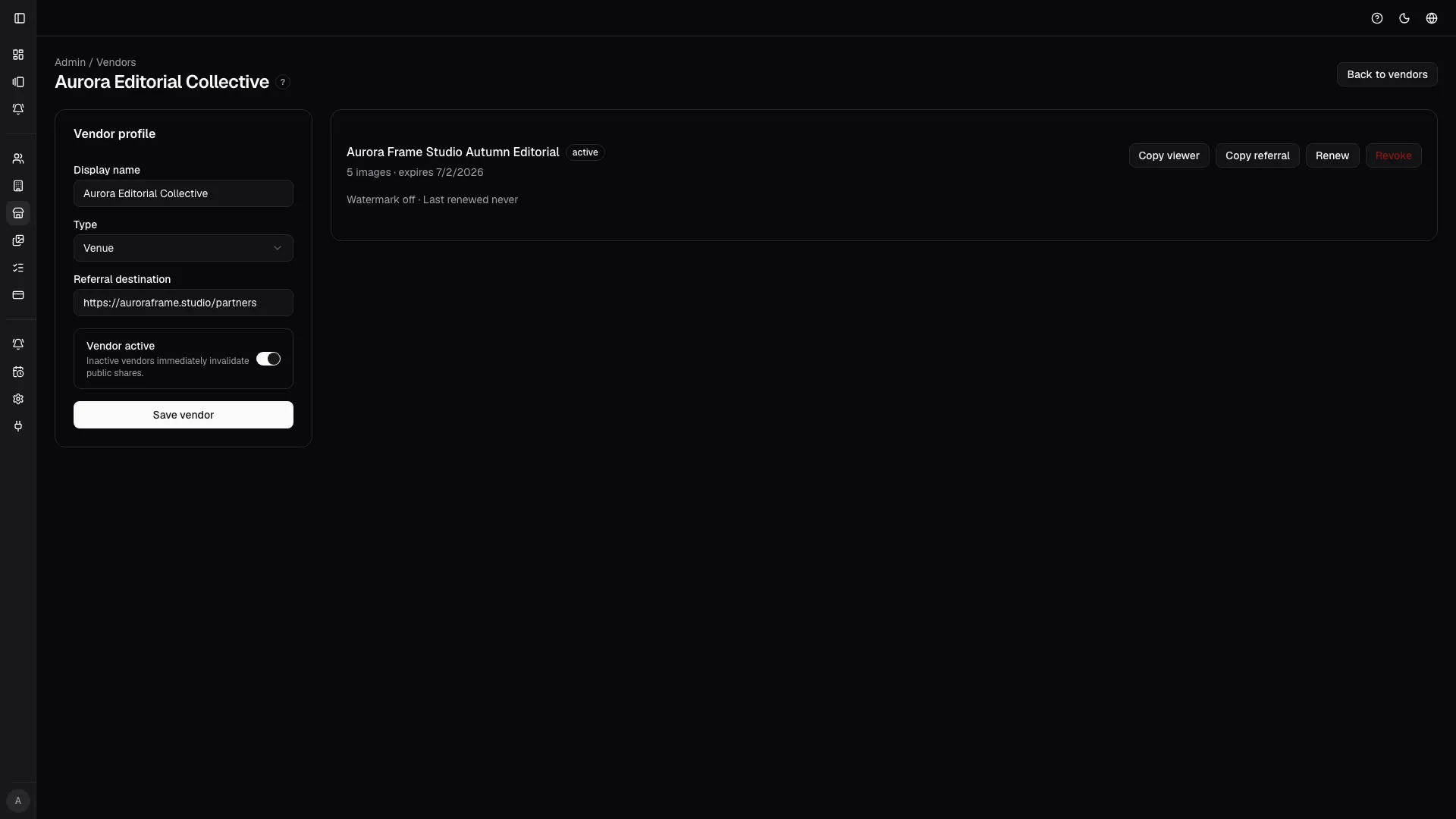
It shows:
- editable vendor data;
- shared galleries;
- public viewer links;
- referral links;
- watermark state;
- share expiry;
- last renewal;
- renewal or revocation actions.
Renew or revoke shares
Section titled “Renew or revoke shares”Renew when the vendor should continue to access the set. Revoke when:
- the job is finished;
- the link was sent to the wrong person;
- the vendor is no longer collaborating;
- you want to regenerate access more tightly.
Public vendor shares
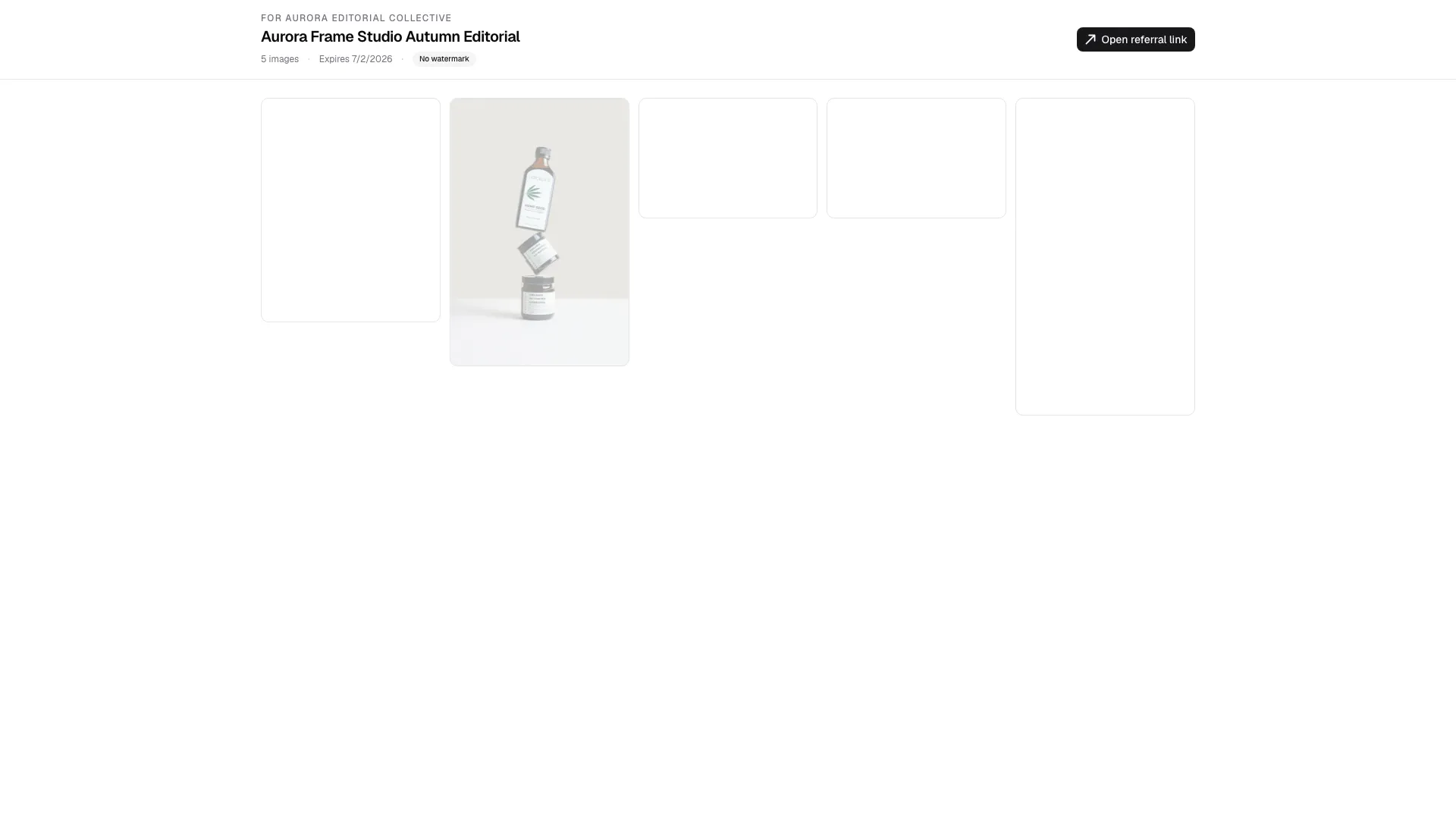
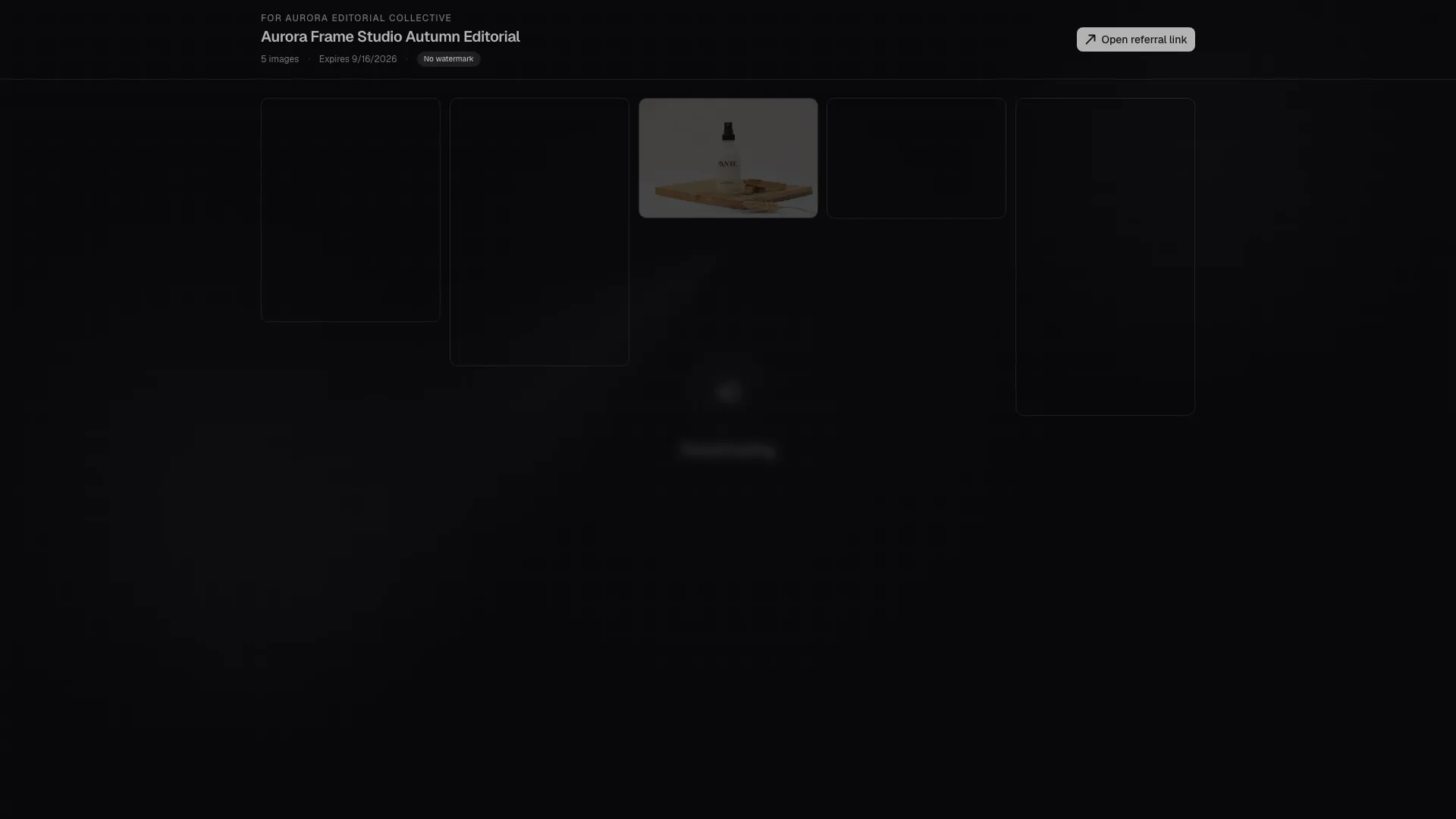
Section titled “Public vendor shares”The /vendor-share/$publicToken link does not require login, so it must be
treated as a public but controlled link.
The page:
- validates the token;
- blocks expired or revoked links;
- shows watermarked images;
- tracks link opens;
- tracks image views;
- tracks web downloads when available;
- shows a referral CTA if configured;
- loads images progressively.
Before sending a vendor link, open it yourself and check that the images are the right ones.
Referral
Section titled “Referral”The /r/$referralToken link records qualified traffic and then redirects to
the configured destination. It helps the studio understand which vendors drive
interest or leads.
The leaderboard uses those signals to rank the most active partners.
Leaderboard
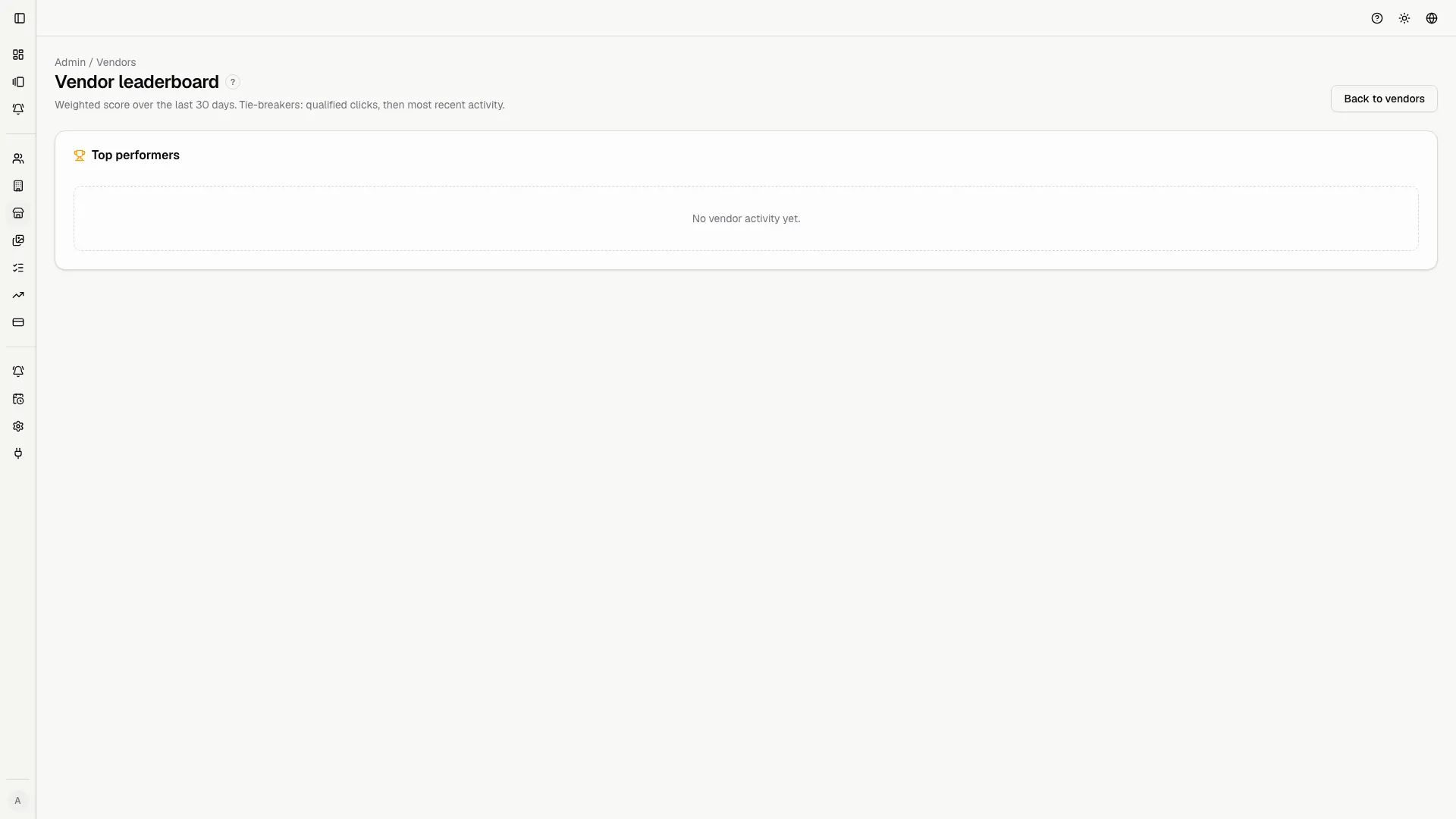
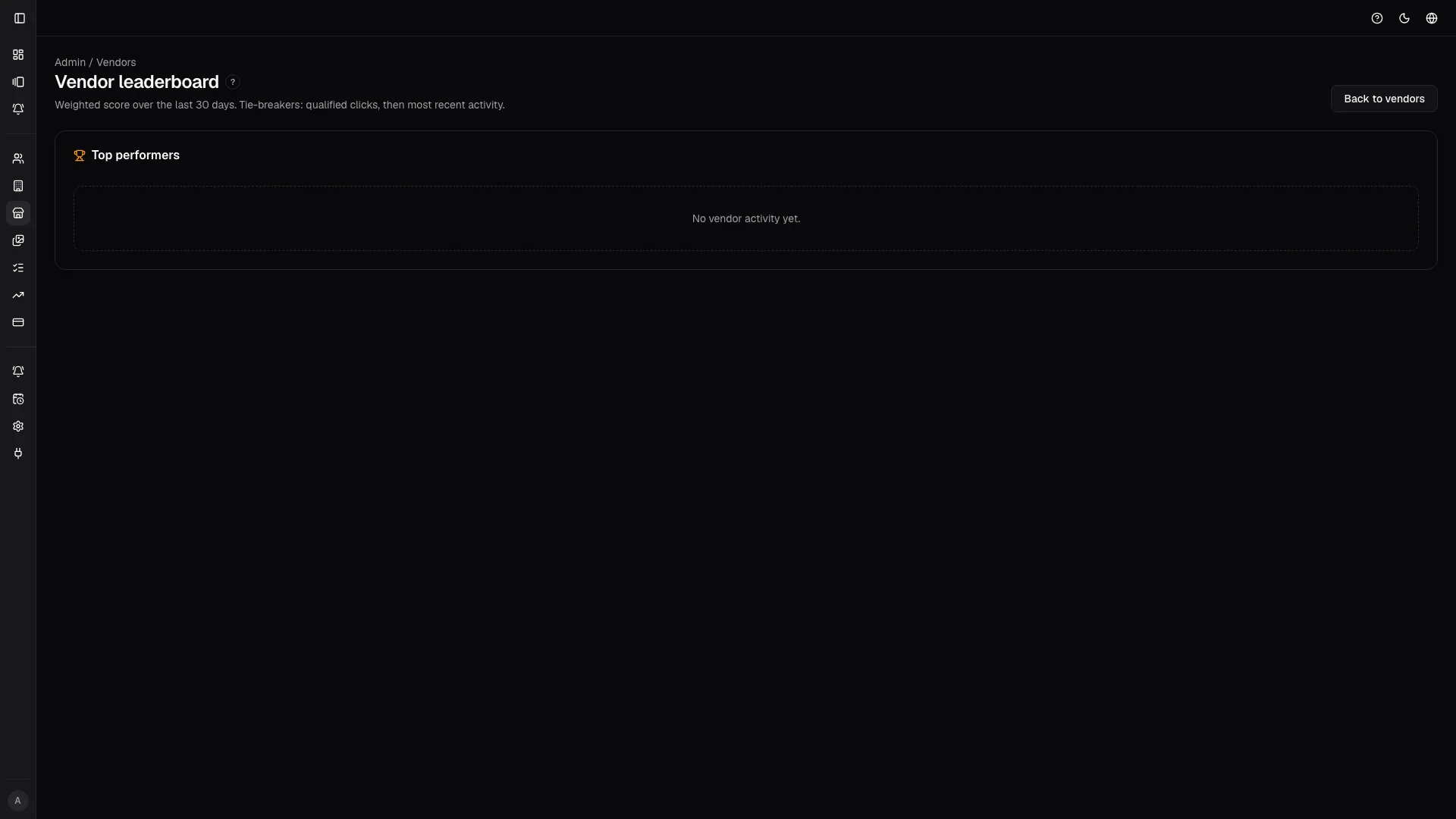
Section titled “Leaderboard”The leaderboard shows performance over the last 30 days.
Main metrics:
- Score: a synthetic engagement indicator.
- Opens: link opens.
- Image views: image views.
- Qualified referral clicks: useful referral clicks.
- Last activity: the latest recorded action.
Use it for commercial follow-up. A vendor that opens often and generates referrals deserves attention.
Slideshows
Section titled “Slideshows”The slideshow list shows:
- source gallery;
- live, out of sync, or unavailable status;
- image count;
- last update;
- manage/open actions;
- link back to the gallery.
The out of sync state means the gallery or selection has changed and the slideshow may need to be updated.
Slideshow detail
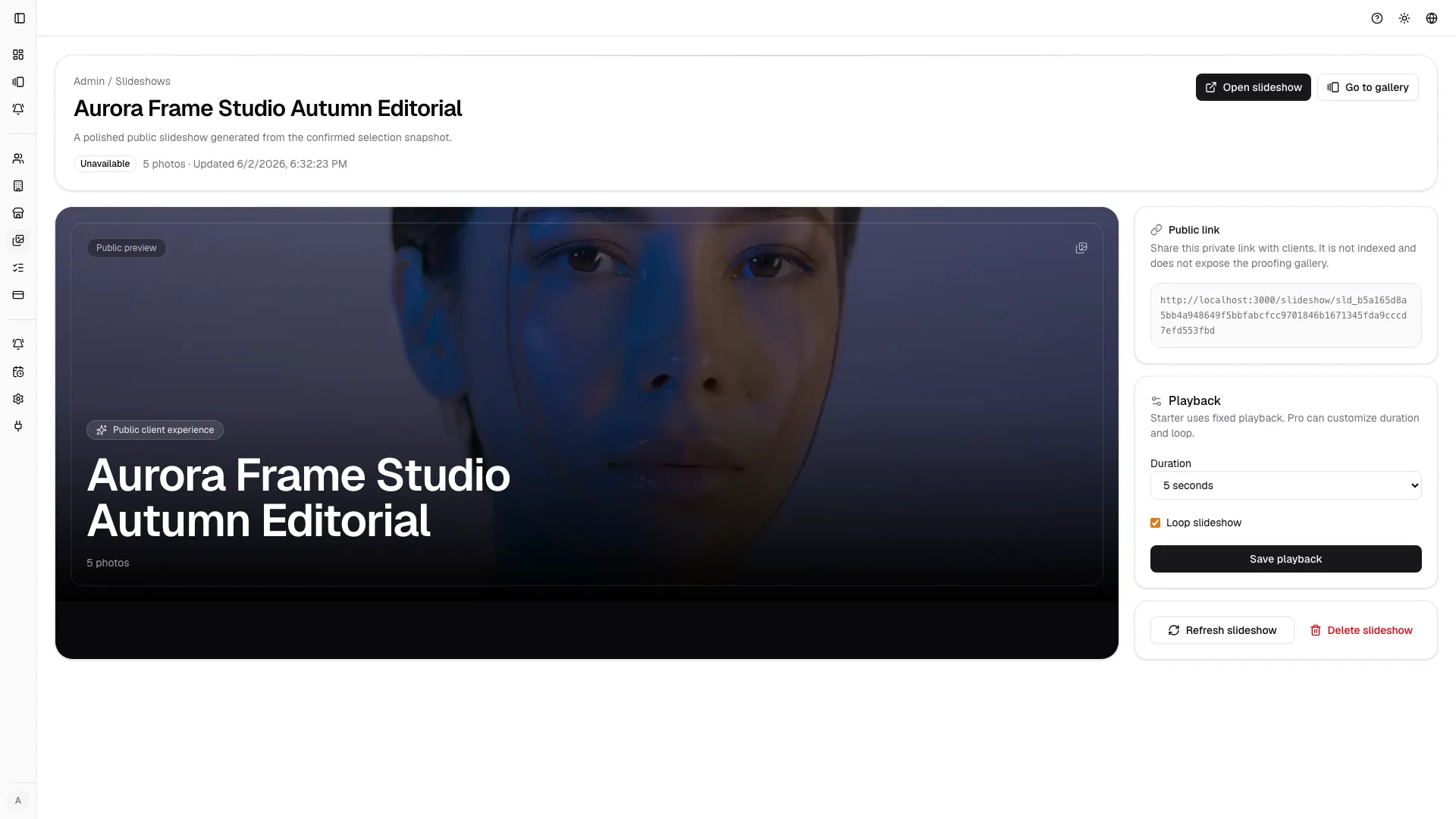
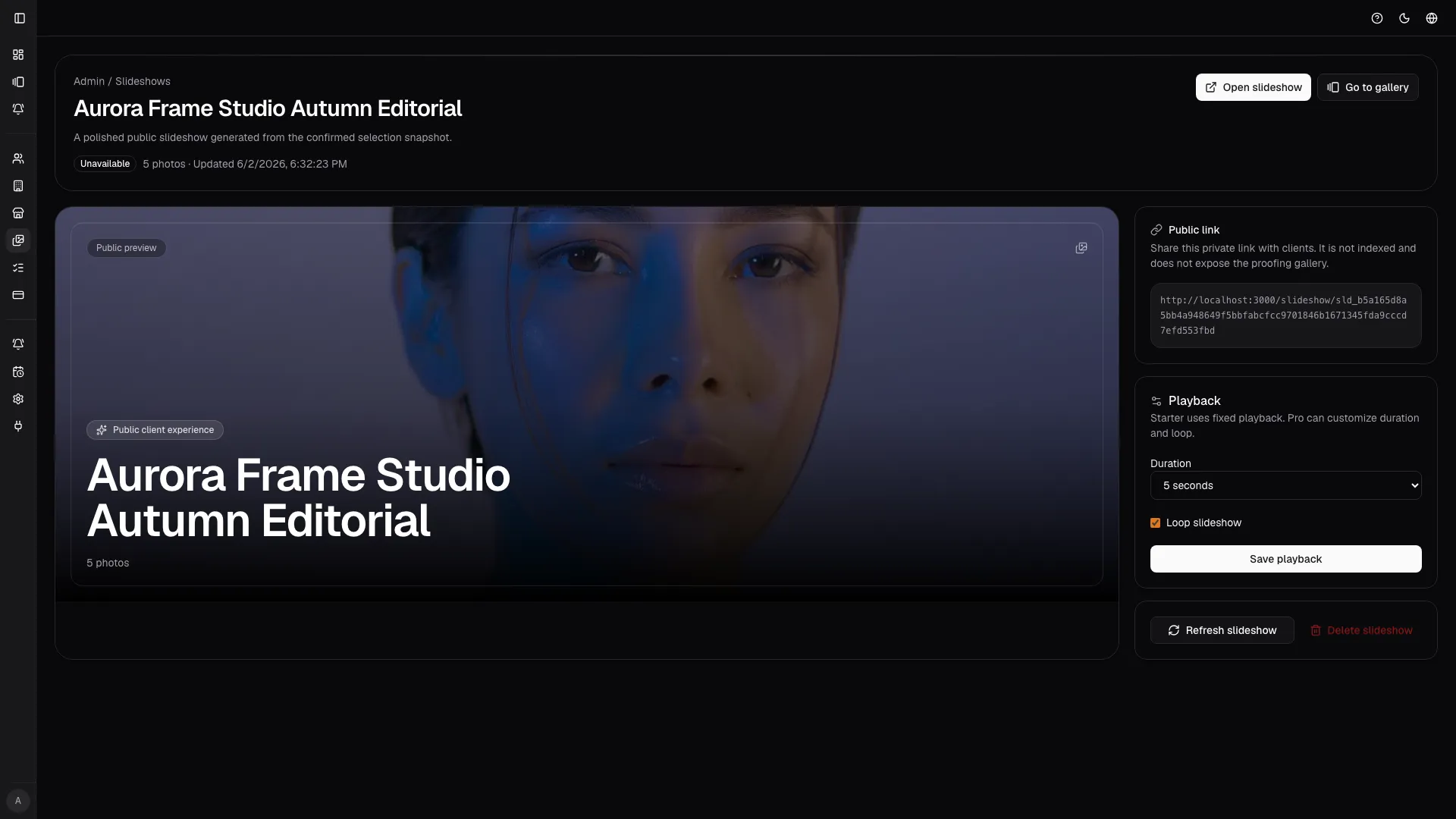
Section titled “Slideshow detail”In the detail page you can:
- see a preview;
- copy or open the public link;
- update or refresh the slideshow;
- delete the slideshow;
- set the slide duration;
- enable or disable looping, when the plan allows it.
If a feature is blocked by the plan, the interface shows the upgrade hint.
Public slideshow viewer
Section titled “Public slideshow viewer”The public viewer uses a clean presentation experience:
- auto-advance;
- previous and next controls;
- progress bar;
- slide counter;
- brand logo and name;
- end card;
- unavailable state when the token is invalid or the slideshow cannot be published.
The unavailable state is part of the public viewer too: it is what a viewer sees when the token is wrong or the slideshow is not ready for publication.

Good practice
Section titled “Good practice”- Share only the images a vendor needs.
- Use watermarking when the link leaves the client workflow.
- Check every public link before sending it out.
- Revoke links that are no longer needed.
- Refresh slideshows after important gallery changes.
- Do not use slideshows as a replacement for proofing when the client needs to select images.